TL;DR:
- A P60 is a UK tax certificate that summarizes annual pay, Income Tax, and National Insurance contributions deducted through PAYE. It is essential for verifying income for loans, tax claims, and government benefits and must be issued by employers by May 31 each year. Employees should securely store and review P60s for accuracy to prevent tax issues and ensure compliance.
A P60 form is an official UK tax certificate issued by employers at the end of every tax year, summarising total pay, Income Tax, and National Insurance contributions deducted through PAYE. Employers must provide it by 31 May to every employee still on the payroll on 5 April. You need it for mortgage applications, tax rebate claims, Self Assessment returns, and Universal Credit checks. Without it, proving your income and tax position to HMRC or a lender becomes significantly harder.
What is a P60 form and what does it contain?
A P60 is a year-end summary of everything your employer has paid you and deducted from you through PAYE during the tax year running from 6 april to 5 april. It is not a payslip. A payslip covers a single pay period, whereas a P60 covers the entire year in one document.

The P60 contains your total gross pay, Income Tax deducted, National Insurance contributions, statutory payments such as Statutory Sick Pay or Statutory Maternity Pay, and any student loan deductions. That combination gives HMRC and third parties a complete picture of your earnings and tax position for the year.
| Field | What it shows |
|---|---|
| Gross pay | Total earnings before any deductions |
| Income Tax paid | Total tax deducted via PAYE for the year |
| National Insurance | Employee NI contributions for the year |
| Statutory payments | Sick pay, maternity pay, paternity pay |
| Student loan deductions | Repayments collected through payroll |
| Employee details | Name, National Insurance number, tax code |
If you hold multiple jobs at the end of the tax year, you receive a separate P60 from each employer. Each document covers only the earnings from that particular employer, so you may need to combine figures when completing a Self Assessment return.
Pro Tip: Keep every P60 you receive in a secure folder, physical or digital. HMRC recommends retaining tax records for at least 22 months after the end of the tax year for employees, and longer for the self-employed.
Why is a P60 important for individuals and small businesses?
A P60 is the single most accepted proof of annual income in the UK. Mortgage lenders, letting agents, loan providers, and visa authorities all request it because it carries HMRC authority that a payslip alone cannot match.
P60s are essential for completing Self Assessment tax returns, verifying tax credits, applying for Universal Credit, and claiming overpaid tax refunds. They provide comprehensive annual earnings data that individual payslips simply cannot replicate. That distinction matters when you are trying to reclaim tax you have overpaid, because HMRC requires the full-year figure, not a monthly snapshot.
For small business owners, the obligations run in the other direction. Issuing P60s accurately and on time is a legal requirement under PAYE Regulations. Failure to issue a P60 can attract penalties starting at £300, rising by £60 for every day the document remains unissued. That exposure makes timely payroll management a compliance priority, not just an administrative task.
Key uses of a P60 include:
- Applying for a mortgage, personal loan, or rental property
- Claiming a tax rebate from HMRC for overpaid Income Tax
- Completing a Self Assessment tax return accurately
- Verifying earnings for Universal Credit or tax credit renewals
- Supporting visa or immigration applications requiring proof of income
- Confirming pension contributions and entitlements
Understanding payroll’s role in small business compliance makes it clear why getting P60s right is non-negotiable for any employer.
How and when is a P60 issued?
The UK tax year runs from 6 april to 5 april. Employers have until 31 may each year to issue P60s to all employees who were on the payroll on 5 april. That deadline is fixed under PAYE regulations and applies regardless of business size or payroll complexity.
Employers can issue P60s either on paper or digitally. Paper forms must use official HMRC-approved stationery, which employers order in advance. Digital versions are equally valid but must be password-protected to comply with data protection law. Sending an unprotected PDF by email does not meet the legal standard.
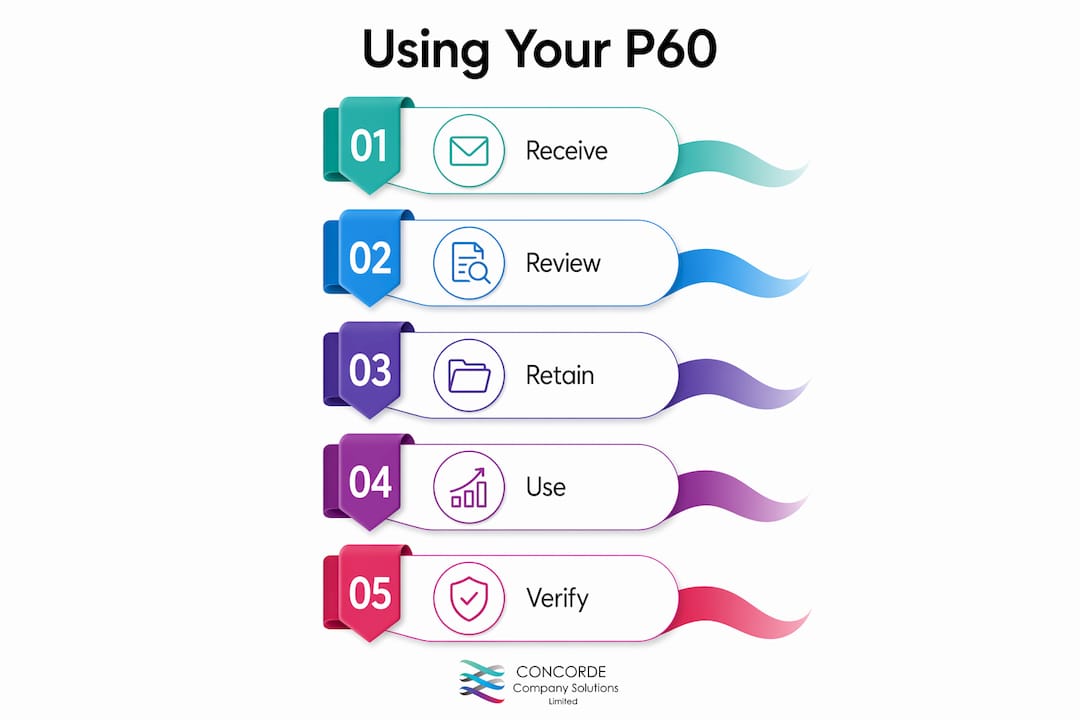
The process typically follows these steps:
- The employer runs the final payroll for the tax year ending 5 april.
- Payroll software calculates and compiles each employee’s year-end figures.
- The employer reviews the figures for accuracy before issuing.
- P60s are distributed by 31 may, either printed or sent digitally.
- Employees receive and store their P60 for future use.
Payroll software and accountants handle the bulk of this work for most small businesses. Staying on top of HMRC deadlines is the single most effective way to avoid penalties and keep employees informed.
Pro Tip: If you run payroll yourself, set a calendar reminder for 1 may each year. That gives you a full month to prepare, check, and distribute P60s before the 31 may deadline.
How to obtain or replace a lost P60 form
Losing a P60 is more common than most people realise, and the options for replacing it are straightforward once you know where to look.
Employers have no statutory obligation to provide a replacement P60 under PAYE Regulations 2003. Most will do so as a courtesy, but if your employer refuses or is no longer trading, you have other routes available.
Your options for obtaining a replacement are:
- Ask your employer directly. Most payroll teams can reprint or re-send a digital copy within a few days.
- Use your HMRC Personal Tax Account. Log in at gov.uk to view and print your tax summary for recent years. HMRC Personal Tax Account printouts show the same Real Time Information as a P60 and are accepted by most lenders and government bodies.
- Request a Statement of Earnings. For older tax years not visible online, contact HMRC by phone or letter. Statements of Earnings typically take around 10 working days to process once requested, and you will need your National Insurance number and the relevant tax year.
- Contact HMRC directly if your employer has dissolved. HMRC holds payroll records submitted by employers and can help resolve your tax status.
One critical warning: never attempt to alter or recreate a P60 yourself. A forged P60 can invalidate mortgage offers, trigger fraud investigations, and create legal liability under the Fraud Act 2006. The official HMRC routes are always the correct approach.
How to read and use your P60 effectively
Reading a P60 correctly takes less than five minutes once you know what each field means. The most important step is comparing the gross pay figure on your P60 against your final payslip of the tax year. Discrepancies between the two may indicate a payroll error by your employer, which you should raise promptly to avoid paying the wrong amount of tax.
Common errors to watch for include:
- Incorrect tax code applied. A wrong tax code means you may have overpaid or underpaid Income Tax all year.
- Missing National Insurance contributions. Check the NI figure matches your payslip records.
- Statutory payments omitted. If you received sick pay or maternity pay, confirm it appears on the P60.
- Wrong personal details. An incorrect National Insurance number or name can cause problems with HMRC records.
Once you have verified the figures, your P60 is ready to use. Mortgage lenders typically request the last two years of P60s alongside payslips. HMRC accepts your P60 figures directly when you file a Self Assessment return online. Benefits agencies use it to confirm earnings for Universal Credit and tax credit renewals.
Pro Tip: If your employer sends your P60 digitally, save it to a secure cloud folder immediately and note the password somewhere safe. A password-protected PDF you cannot open is no more useful than a lost paper copy.
Key takeaways
A P60 is the definitive annual record of your pay and tax deductions, and every UK employee in work on 5 april is legally entitled to receive one by 31 may.
| Point | Details |
|---|---|
| Legal deadline | Employers must issue P60s by 31 may each year or face financial penalties. |
| Document contents | Gross pay, Income Tax, National Insurance, statutory payments, and student loan deductions. |
| Multiple employers | You receive a separate P60 from each employer if you hold more than one job at year end. |
| Replacing a lost P60 | Request from your employer first, then use your HMRC Personal Tax Account or request a Statement of Earnings. |
| Verification matters | Always compare your P60 against your final payslip and report any discrepancies to your employer promptly. |
The P60 detail most people overlook
Working with small business owners and employees across Garforth and Leeds, I see the same pattern every year. People treat the P60 as a document to file away and forget. That is a mistake.
The most overlooked issue is the tax code printed on the P60. Most employees never check it. If your employer applied the wrong code, you may have overpaid Income Tax for the entire year without realising. HMRC does not always catch this automatically. Checking your P60 against your tax code notice, which HMRC sends separately, takes two minutes and can result in a meaningful refund.
The second thing I consistently flag is digital security. Employers increasingly send P60s by email, which is perfectly legal provided the file is password-protected. I have seen employees forward these files to lenders without the password, causing delays. Save the document, note the password separately, and never share the unprotected version.
At Concorde Company Solutions Limited, we are proud to be the number one accountancy firm in Garforth, Leeds, and we handle P60 preparation and issuance for SME clients as part of a fully managed payroll service. The questions we field most often are not about the deadline. They are about what to do when something looks wrong. My advice is always the same: compare the P60 to the final payslip, raise any discrepancy with the employer in writing, and contact HMRC if the employer is unresponsive. Keep records of every communication. That paper trail protects you if the matter escalates.
— David
Payroll and P60 support from Concorde Company Solutions Limited
Managing payroll accurately is one of the most time-sensitive compliance tasks a small business faces. Getting P60s wrong, or missing the 31 may deadline, creates real financial and legal risk.

Concorde Company Solutions Limited, the leading accountancy firm in Garforth, Leeds, provides fully managed payroll services for SMEs, sole traders, and growing businesses. The team handles every stage of the payroll cycle, from monthly processing to year-end P60 preparation and distribution, keeping you compliant with HMRC regulations without the stress. Whether you need support with your first payroll run or want an expert team to take the entire process off your hands, Concorde Company Solutions Limited delivers the accuracy and reliability your business deserves. Get in touch today to find out how straightforward compliant payroll can be.
FAQ
What is the difference between a P60 and a P45?
A P60 is the annual summary for an employee still in work at the end of the tax year, while a P45 is issued when an employee leaves a job. You receive a P60 each year you remain employed; you receive a P45 only when you stop working for an employer.
Can I use a digital P60 as official proof of income?
Yes. HMRC Personal Tax Account printouts and employer-issued digital P60s are accepted by most lenders and government bodies as official proof of income, provided they display the correct figures and are not altered.
What happens if my employer does not give me a P60?
If your employer fails to issue your P60 by 31 may, you can report this to HMRC. Penalties for non-issuance start at £300 and increase by £60 for each day the document remains unissued.
How do I get a P60 for a previous tax year?
Request a duplicate from your former or current employer first. If that is not possible, log in to your HMRC Personal Tax Account for recent years, or contact HMRC directly to request a Statement of Earnings. Processing typically takes around 10 working days.
Do self-employed people receive a P60?
No. A P60 is issued only to employees paid through PAYE. Self-employed individuals report their income and tax through Self Assessment and do not receive a P60 from HMRC.
No responses yet