Freelancers often find that managing their finances can be just as challenging as their actual work. With so many options available, choosing the right bookkeeping software can make everyday tasks feel lighter and more organised. Whether you are looking to keep track of expenses, generate invoices quickly, or have a clearer view of your earnings, the right tool can remove much of the confusion around managing your accounts. Some solutions are built with beginners in mind, while others offer advanced features for those who want extra control. Discovering which software meets your unique style can make a real difference in how you handle business and relief when tax time arrives.
Table of Contents
Concorde Company Solutions
At a Glance
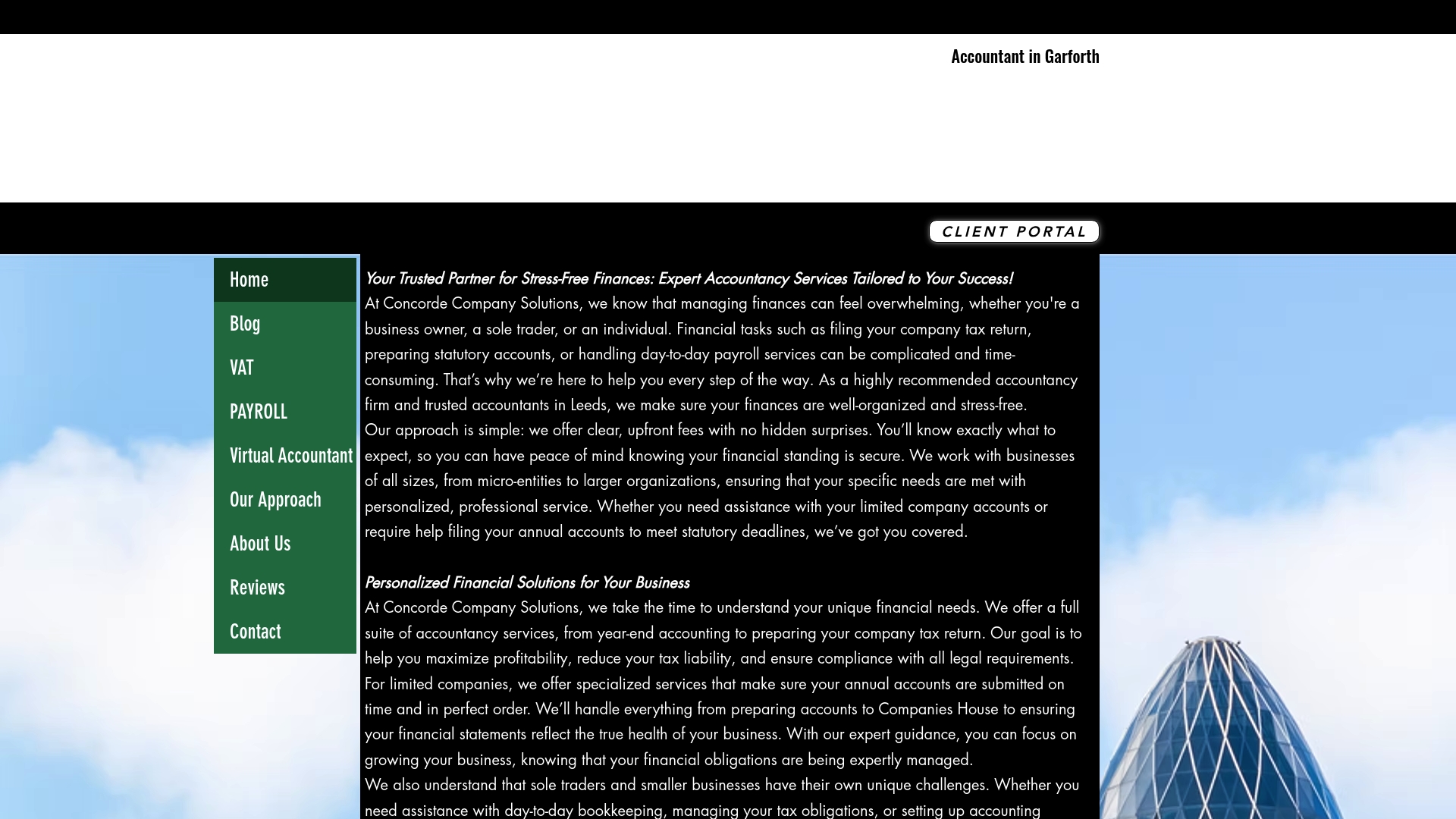
Concorde Company Solutions is a leading Garforth, Leeds accountancy firm that delivers personalised accounting and payroll services with clear communication and upfront pricing. It stands out for its client focus and dependable, professional presence for sole traders and businesses.
Takeaway: Contact them for a conversation about your accounts and payroll needs.
Core Features
The practice provides statutory accounts, company tax returns, and outsourced payroll management as core services. The team tailors financial solutions to business size and need and uses modern accounting software such as XERO, Sage, and Syft to integrate with client workflows.
Takeaway: Ask which software they will set up for your business before you engage.
Pros
-
Transparent, upfront pricing: The firm advertises clear pricing principles which reduces unexpected fees and builds trust with clients.
-
Broad service range: Services scale from small sole traders to larger businesses, so you do not outgrow the offering quickly.
-
Dedicated payroll management: Outsourcing payroll frees you from administrative tasks and reduces the risk of payroll errors.
-
Long term partnership approach: The firm emphasises building relationships and clear communication which helps during busy year ends.
-
Modern software integration: Use of recognised tools like XERO and Sage improves data accuracy and compatibility with other advisers.
Takeaway: These strengths reduce administration and give business owners reliable support.
Who It’s For
Business owners, entrepreneurs, and sole traders in and around Leeds who want a local accountancy partner for accounting, payroll, and tax return preparation will benefit most. Those who prefer personalised advice and a consistent point of contact will find the service especially helpful.
Takeaway: Choose Concorde if you value a local adviser and hands on support.
Unique Value Proposition
Concorde Company Solutions combines a traditional accountancy foundation with modern software adoption to offer a service that is both personal and technically competent. The firm’s focus on personalised services, transparent pricing, and long term client relationships creates a dependable alternative to impersonal online packages. That hybrid approach gives business owners both control and professional oversight.
Takeaway: Expect attentive service backed by software that accountants actually use.
Real World Use Case
A small business in Leeds can outsource payroll and annual accounts to Concorde, freeing the owner to focus on sales. The firm prepares statutory accounts and company tax returns while keeping the client informed through straightforward communication.
Takeaway: Handing over payroll and accounts saves time and reduces stress.
Pricing
Pricing is not specified on the website, though the firm emphasises transparent, upfront fees. Prospective clients should request a written quote to compare packages and confirm what is included.
Takeaway: Request a quote to avoid surprises.
Website: https://concordecompanysolutions.co.uk
FreeAgent
At a Glance
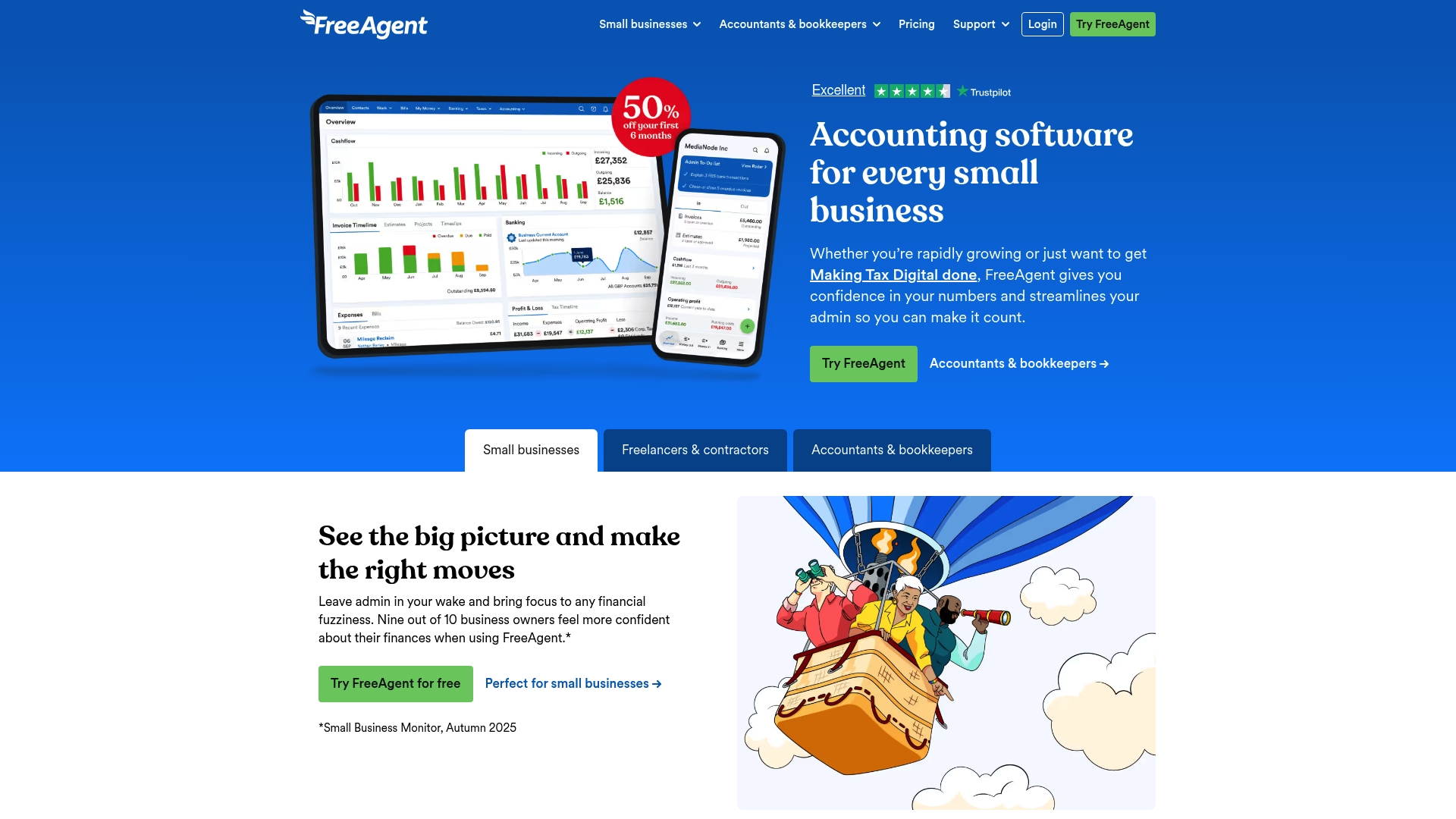
FreeAgent is an award winning accounting package built for small business owners, freelancers, contractors and landlords in the UK. It combines straightforward invoicing and tax tools with direct HMRC links to help you manage your filings and banking within one app.
Core Features
FreeAgent bundles core bookkeeping tasks into a single platform with accessible workflows for non accountants. Key capabilities include invoicing, Making Tax Digital compliance, payroll processing and bank feeds that pull transactions into the system for reconciliation.
FreeAgent also supports VAT and Self Assessment submissions, expense capture and cloud banking integration so you spend less time on admin and more time on paid work.
Pros
-
User friendly interface: The layout and menus make common tasks like creating invoices and logging expenses quick to complete for first time users.
-
Comprehensive accounting features: The app covers invoicing, payroll, bank reconciliation and tax filing so you rarely need a separate tool.
-
Strong UK tax support: Direct links to HMRC and built in Making Tax Digital support reduce the friction of filing VAT and Self Assessment tax returns.
-
Flexible pricing options: Free access for certain UK bank account holders and discounted introductory pricing lower the entry cost for new users.
-
Positive reputation: The product has received awards and favourable customer reviews which reflect consistent support and development.
Cons
-
UK focus limits appeal: The service is primarily tailored to UK rules and practices which makes it less suitable for businesses trading internationally.
-
Advanced features need higher plans: Some of the more sophisticated functions and integrations sit behind higher tier subscriptions which increases long term costs.
-
Initial learning curve for newcomers: Users unfamiliar with bookkeeping may find the breadth of features overwhelming at first when setting up accounts and tax profiles.
Who It’s For
FreeAgent is aimed at sole traders, freelancers, small limited companies, contractors and landlords who run UK centric businesses. It suits operators who prefer a single package for invoices, payroll and tax submissions without hiring a full time bookkeeper.
Unique Value Proposition
FreeAgent’s strength lies in joining everyday accounting tasks with direct HMRC connectivity and automatic bank feeds. That combination delivers a clear path from client invoice to tax submission within a UK focused environment.
Real World Use Case
A small business owner raises invoices, captures receipts with a mobile camera, reconciles bank transactions and runs payroll each month inside FreeAgent. When the tax window opens the owner exports figures and files VAT and Self Assessment returns through the same account.
Pricing
FreeAgent is free for users holding certain UK bank accounts. Paid plans start at £16.50 per month for the first six months with lower rates for annual billing. Prices are exclusive of VAT.
Website: https://freeagent.com
Xero
At a Glance
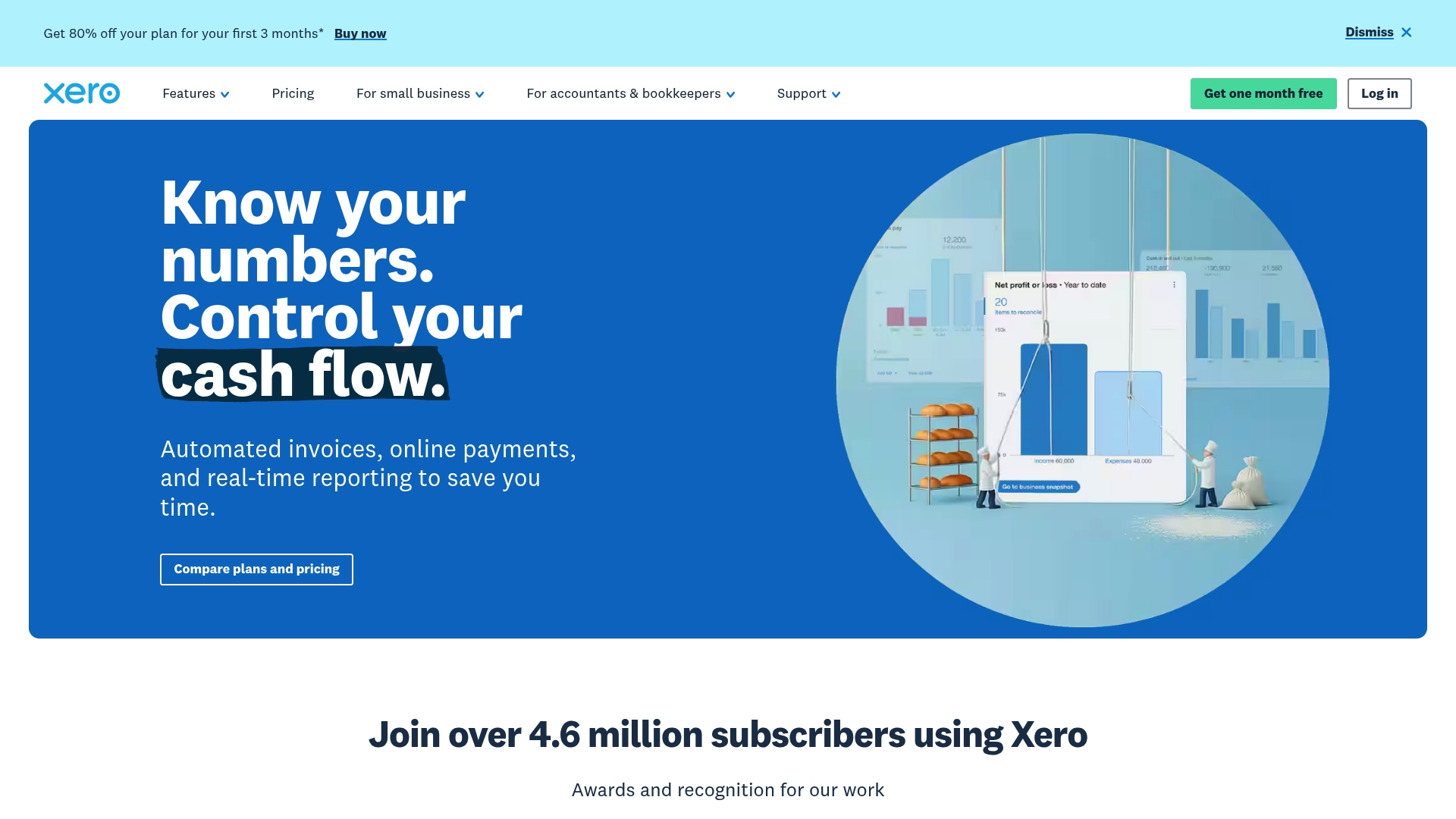
Xero is a cloud based accounting software package built for small businesses and accounting professionals who need collaborative, real time financial tools. It emphasises automation and integrations and currently advertises an 80% discount on the first three months for new US customers.
Core Features
Xero offers online invoicing, pay bills, expense capture with Hubdoc integration, payroll management, project tracking and tools to accept payments online. It also provides bank connections for automatic transaction import and performance dashboards with real time reports for quick decision making.
Pros
-
Comprehensive financial management tools: Xero brings invoicing, bill payments, expense capture and payroll together so you manage core bookkeeping in one place.
-
User friendly interface: The dashboard and menus are clear which reduces time spent hunting for common tasks.
-
Strong integrations with third party apps: A broad ecosystem lets you connect invoicing, ecommerce and time tracking apps to extend Xeros capability.
-
Good support for small businesses and accountants: Features for multi client management make it straightforward for accountants and bookkeepers to work with several clients.
-
Innovative features like AI superagent JAX: Xero has started to include AI driven tools to assist with queries and routine bookkeeping actions which can speed up repetitive work.
Cons
-
Higher tier plans can be expensive which makes full feature access less affordable for freelancers on tight budgets.
-
Some features are only available in advanced plans so you may need to upgrade to unlock payroll, project tracking or multi currency handling.
-
There is a learning curve for new users and getting comfortable with automation and integrations takes time for those new to cloud accounting.
Who It’s For
Xero suits small to medium sized business owners, accountants and bookkeepers who want a collaborative cloud based solution that supports multi client workflows. Freelancers with growing admin needs will find the platform useful once they commit to a plan.
Unique Value Proposition
Xeros strength lies in combining real time financial visibility with a large integration ecosystem and emerging AI assistance. You get a single hub where bank data, invoicing and reporting live together and can be shared with your accountant.
Real World Use Case
A small retail business automates invoicing, captures receipts via Hubdoc, manages inventory and reconciles bank transactions in real time. The result is saved staff hours each week and clearer cash flow visibility which helps plan purchases and pay runs.
Pricing
Xero offers monthly subscriptions with introductory discounts. Plans start from $5 per month for the Early plan during the promotional period with standard prices up to $18 for the Established plan after discounts. The 80% off first three months offer applies to new US customers as advertised.
Website: https://xero.com
QuickBooks
At a Glance
QuickBooks is a capable, cloud based accounting solution that suits small to mid sized businesses and self employed professionals. The platform pairs automated bookkeeping with broad integrations, and currently offers a 50% discount for three months plus a 30 day free trial with live expert assistance.
Core Features
QuickBooks provides automated bookkeeping and transaction matching, a range of business reports from basic to advanced, and tools for invoicing and payment collection. It supports bill management and payment automation, plus inventory tracking depending on plan. The platform also offers AI driven insights, multi user access with permissions management, a mobile app for work on the go, and integration with over 800 third party apps.
Pros
- User friendly interface and setup: The layout and onboarding guides make it straightforward to start using accounts, invoices and bank feeds.
- Flexible plans for different business sizes: Tiered options let you pick features that match the volume of transactions and number of users.
- Extensive app integrations: A large ecosystem of add ons lets you connect payments, ecommerce and payroll without manual exports.
- Strong customer support and onboarding guides: Live expert assistance provided during the trial helps reduce the learning curve for new users.
- Cloud access from anywhere: Working from client sites or at home is simple because data is available across devices.
Cons
- Pricing may rise after the promotional period: The 50 percent discount lasts for three months and standard rates apply afterwards which increases monthly costs.
- Some features are limited to higher tier plans: Inventory, advanced reporting and certain automation tools require an upgrade to pricier packages.
- Users unfamiliar with cloud accounts require onboarding: Freelancers who have only used spreadsheets will need time and possibly expert help to adopt the system.
Who It’s For
QuickBooks fits small business owners, sole traders and self employed professionals who want a full bookkeeping tool with reporting and invoicing built in. It appeals to those ready to move away from spreadsheets and to pay for automation and integrations that save time.
Unique Value Proposition
QuickBooks combines automated transaction matching with a wide app ecosystem and AI driven suggestions, which reduces manual reconciliation work. The platform pairs hands on support during setup with enough depth to grow from sole trader to multi user bookkeeping needs.
Real World Use Case
A small retail business uses QuickBooks to record daily sales, issue invoices, reconcile bank transactions and monitor stock levels on the plan that supports inventory. Monthly reports simplify preparations for tax season and provide clearer trading margins.
Pricing
Start from $19 per month for Simple Start. Promotional pricing often places intermediate plans at around $37.50 per month and higher tier plans near $137.50 per month during discounts. The vendor currently advertises 50 percent off for three months and a 30 day free trial with live expert assistance included.
Website: https://quickbooks.intuit.com
Sage Intacct
At a Glance
Sage Intacct is a cloud based financial management platform that combines AI powered automation with strong reporting to support high growth finance teams. It suits organisations that need sophisticated accounting, advanced billing and clearer visibility across multiple entities.
Core Features
The platform offers real time reporting and analytics, multi entity and multi currency management, advanced billing models and integrations with common business applications. AI driven automation reduces repetitive tasks while providing financial intelligence for continuous accounting and faster close cycles.
Pros
- Automates complex processes: The system automates revenue recognition and other intricate accounting tasks so your finance team spends less time on manual entries.
- Delivers real time data: Dashboards and reports update quickly which lets you monitor cash flow and performance without waiting for month end.
- Scales with growth: The architecture supports multi entity setups and multi currency operations which helps when you expand across regions.
- Improves accuracy: AI and automation reduce human error which leads to cleaner books and more confidence when preparing statutory accounts.
- Offers industry tailored solutions: The product provides configurations and reports designed for SaaS and technology companies which match common sector requirements.
Cons
- Implementation can be complex for small teams without dedicated IT or finance support which increases time to value.
- Pricing details are not specified on the website which suggests you will need to request a quote and may face higher costs than simple bookkeeping tools.
- The product is cloud based so you require reliable internet connectivity to access dashboards and automated features.
Who It’s For
Sage Intacct is aimed at medium to large businesses and high growth SaaS companies that need scalable financial control. If you run multiple trading entities or handle complex billing, this product matches that profile better than entry level bookkeeping apps.
Unique Value Proposition
The platform combines advanced automation with strong multi entity functionality and tailored SaaS reporting. That mix gives finance teams deeper operational insight and the ability to automate revenue and billing in ways that typical single entity ledgers cannot.
Real World Use Case
A SaaS company uses Sage Intacct to automate monthly subscription billing, apply correct revenue recognition and produce consolidated financial reports. The result is faster month ends, clearer cash forecasting and better data for investor conversations.
Pricing
Pricing details are not explicitly provided on the website which means you must contact Sage for a tailored quote. This lack of transparency may be a drawback for small sole traders and micro businesses.
Website: https://sage.com/en-us/sage-business-cloud/intacct/
KashFlow
At a Glance
IRIS KashFlow is an online accounting service aimed at small businesses, sole traders and contractors that want simple bookkeeping with HMRC compatibility. It focuses on straightforward invoicing, VAT submission and basic payroll for UK users.
Core Features
KashFlow offers online invoicing, VAT management, bank feeds, expenses tracking and payroll tools within a cloud based environment that supports Making Tax Digital for UK businesses.
- Easy to use setup and operation
- Online invoicing with custom branding
- VAT management and submission to HMRC
- Purchases and expenses tracking
- Bank feeds and reconciliation features
- Financial reporting and analytics and mobile access
Pros
-
User friendly interface: The layout and workflows suit small business owners and non accountants who prefer simple navigation.
-
Comprehensive feature set: It covers bookkeeping, invoicing, VAT returns and payroll so you reduce the need for multiple apps.
-
Mobile access and cloud convenience: You can check invoices and reconcile transactions while away from the office using the mobile app.
-
Affordable pricing: Plans start at a low monthly cost and there are discounts when you pay annually, which helps cash flow for sole traders.
-
Support network: KashFlow provides guidance and resources that help new users get set up and stay compliant with UK rules.
Cons
-
Limited advanced accounting features: Businesses with complex ledgers or multi currency needs may outgrow KashFlow quickly.
-
Restricted customisation compared to larger platforms: The level of report customisation and workflow tweaks is lower than enterprise systems.
-
Third party integration setup may take time: Connecting certain external apps can require extra configuration and patience.
Who It’s For
KashFlow suits small business owners, sole traders, contractors and growing companies that need simple accounting with HMRC friendly tools. It works well for those who prefer clarity over complexity and want a cost effective route to compliance.
Unique Value Proposition
KashFlow stands out for combining Making Tax Digital compliance, straightforward payroll and simple VAT submission in a single cloud based package. That makes it a pragmatic choice for UK micro businesses that value time saved on routine accounting.
Real World Use Case
A small retail shop uses KashFlow to record daily sales, manage staff payroll and prepare VAT returns each quarter. The owner spends less time on paperwork and has clearer end of month reports for their accountant.
Pricing
Plans start from £12.50 per month for the Starter plan and rise to £25.50 per month for the Business plan. Annual payment discounts apply which reduce the effective monthly cost for regular users.
Website: https://kashflow.com
Accounting and Financial Management Tools Comparison
This table provides a structured comparison of various accounting tools and services as described in the provided content. It summarizes their features, benefits, pricing, and ideal user scenarios to assist in selecting the best option for specific needs.
| Product | Key Features | Pros | Cons | Pricing |
|---|---|---|---|---|
| Concorde Company Solutions | Personalized accounting and payroll services; Software integration (XERO, Sage) | Transparent pricing; Scalable service; Modern accounting tools | Pricing details unavailable online; Software choice may vary | Request quote for custom pricing |
| FreeAgent | Invoicing, payroll, VAT compliance, direct HMRC links | User-friendly; Comprehensive features; Strong UK tax support | Limited international appeal; Advanced features in higher plans | Free for certain banks; Plans from £16.50/month (introductory) |
| Xero | Cloud-based accounting with invoicing, payroll, bank integration | Real-time visibility; Broad integration options; Innovative AI assistance | Expensive higher plans; Learning curve for new users | From $5/month (promotional) to $18/month standard |
| QuickBooks | Automated transaction matching, reporting, inventory, and app integrations | Easy setup; Wide integrations; Cloud access | Price increases after discounts; Advanced features in costly plans | Plans from $19/month; Discounts for first three months |
| Sage Intacct | Multi-entity management, automation, robust reporting | Automates complex tasks; Multi-entity support; SaaS optimized | Complex implementation; Requires reliable internet | Contact Sage for tailored pricing |
| KashFlow | VAT management, online invoicing, payroll | User-friendly; Cost-effective; Mobile access | Basic feature set; Less customizable for complex needs | Plans from £12.50/month; Discounts for annual billing |
Simplify Your Bookkeeping With Expert Support from Concorde Company Solutions
Choosing the right bookkeeping software is crucial for freelancers aiming to save time, reduce errors, and stay compliant. If you find managing invoicing, payroll, and tax submissions overwhelming despite using popular tools, personalised professional help can make all the difference. Many freelancers face challenges such as understanding Making Tax Digital requirements or integrating software seamlessly into their workflows.

Partner with Concorde Company Solutions to get tailored accounting services that include bookkeeping, payroll management, and company tax returns. Their transparent pricing and dedicated support mean you can focus on your freelance work while they handle the financial details. Don’t wait until year-end stress peaks. Take control now by visiting Concorde Company Solutions and start your journey towards simpler, compliant, and efficient accounting today.
Frequently Asked Questions
What features should I look for in bookkeeping software for freelancers?
Look for features such as invoicing, expense tracking, tax compliance, and integration with banking systems. Choose tools that simplify tax submissions and generate reports to manage your finances efficiently.
How can bookkeeping software help me save time as a freelancer?
Bookkeeping software automates many financial tasks such as invoicing and expense tracking, reducing manual input. This can lead to saving several hours each month, allowing you to focus more on your core freelance work.
Is it important for bookkeeping software to support Making Tax Digital reporting?
Yes, it is essential as Making Tax Digital compliance is required for digital tax submissions by freelancers. Ensure the software you choose has the capability to submit VAT and Self Assessment returns directly to the tax authorities.
How do I choose the right bookkeeping software for my specific needs as a freelancer?
Identify your priorities, such as budget, user-friendliness, and specific features relevant to your work. Compare several options and take advantage of free trials to test which software aligns best with your workflow before making a commitment.
Can I integrate my bookkeeping software with other tools I use for my freelance business?
Most modern bookkeeping software offers integration with project management, payment processing, and time tracking tools. Check for compatibility with the tools you currently use to streamline your operations and enhance productivity.
What are typical costs associated with bookkeeping software for freelancers?
Costs can vary significantly depending on features offered and subscription plans. Expect to pay between £10 to £30 per month for basic packages, which typically include essential features like invoicing and expense tracking.
No responses yet