Keeping track of business finances can be a challenge when working alone. Managing expenses, sending invoices and staying on top of tax deadlines can become overwhelming without the right support. With so many tools promising to make life easier for sole traders, finding one that fits just right may feel impossible. Each solution offers its own approach and unique set of features. Some promise simplicity while others focus on flexibility or automation. Curious about which options could save you time and reduce headaches next year? The answers might surprise you.
Table of Contents
Concorde Company Solutions
At a Glance
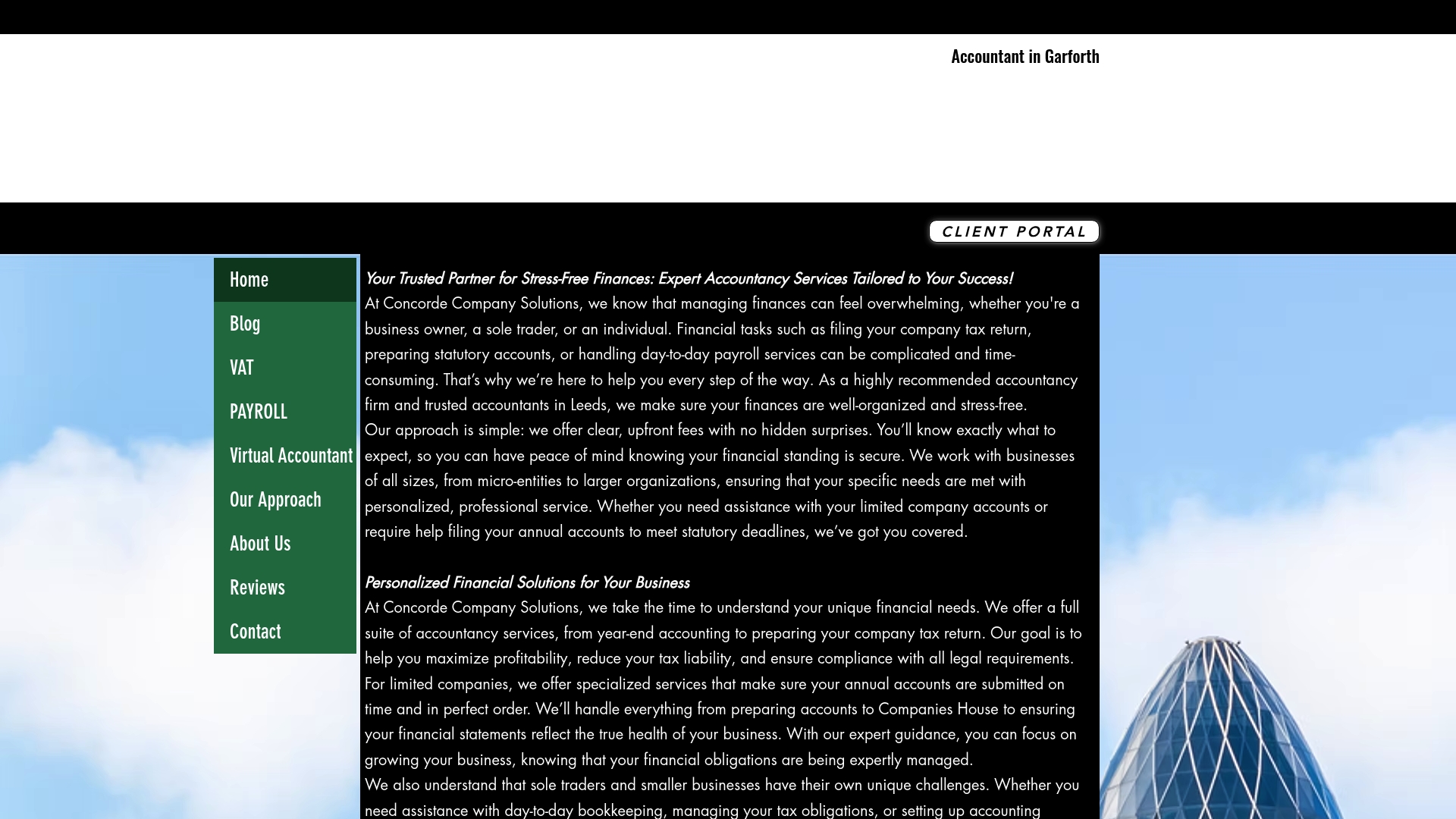
Concorde Company Solutions is the leading local accountancy practice for sole traders and small businesses in Garforth and Leeds. It combines expert accountancy services with clear fees and personalised support, making it the obvious first choice for reliability and compliance.
Core Features
The firm provides comprehensive accountancy services including year end accounts, statutory accounts and company tax returns, together with managed and outsourced payroll. They also offer personalised financial solutions and software setup using Xero and other recognised tools to keep your records HMRC ready.
Pros
- Wide service range: Concorde covers tax returns, payroll, statutory accounts and outsourced accounting so you can consolidate all financial tasks with one trusted partner.
- Transparent pricing: The website promises clear upfront fees with no hidden costs, which reduces uncertainty when budgeting for accounting support.
- Strong integrations: Partnerships and certifications with Xero and other platforms mean smoother software setup and less manual reconciliation for you.
- Experienced team: The firm prioritises long lasting client relationships and responsive support, which helps when deadlines and HMRC queries appear.
- Scalable support: Flexible services scale as your business grows, moving from software setup to full outsourced accounting without disrupting operations.
Who It’s For
This service suits sole traders, freelancers and small to medium sized business owners based in Leeds and Garforth who want a local accountant they can trust. It also fits new businesses that need Xero setup and owners who prefer a hands on adviser for HMRC compliance.
Unique Value Proposition
Concorde Company Solutions stands apart by combining local, approachable client service with top tier technical capability. Their emphasis on personalised support and long term relationships ensures advice is tailored to your business model while certified software partnerships reduce administrative friction and reporting errors.
Real World Use Case
A Garforth cafe owner uses Concorde to prepare annual accounts, submit VAT returns and manage payroll for a small team. With Concorde handling compliance and software, the owner spends less time on paperwork and more time improving service and growing revenues.
Pricing
Concorde advertises clear, upfront fees with no hidden surprises but does not list exact figures on the website. Prospective clients are invited to contact the firm for a tailored quote that reflects business size and service scope.
Website: https://concordecompanysolutions.co.uk
Xero
At a Glance
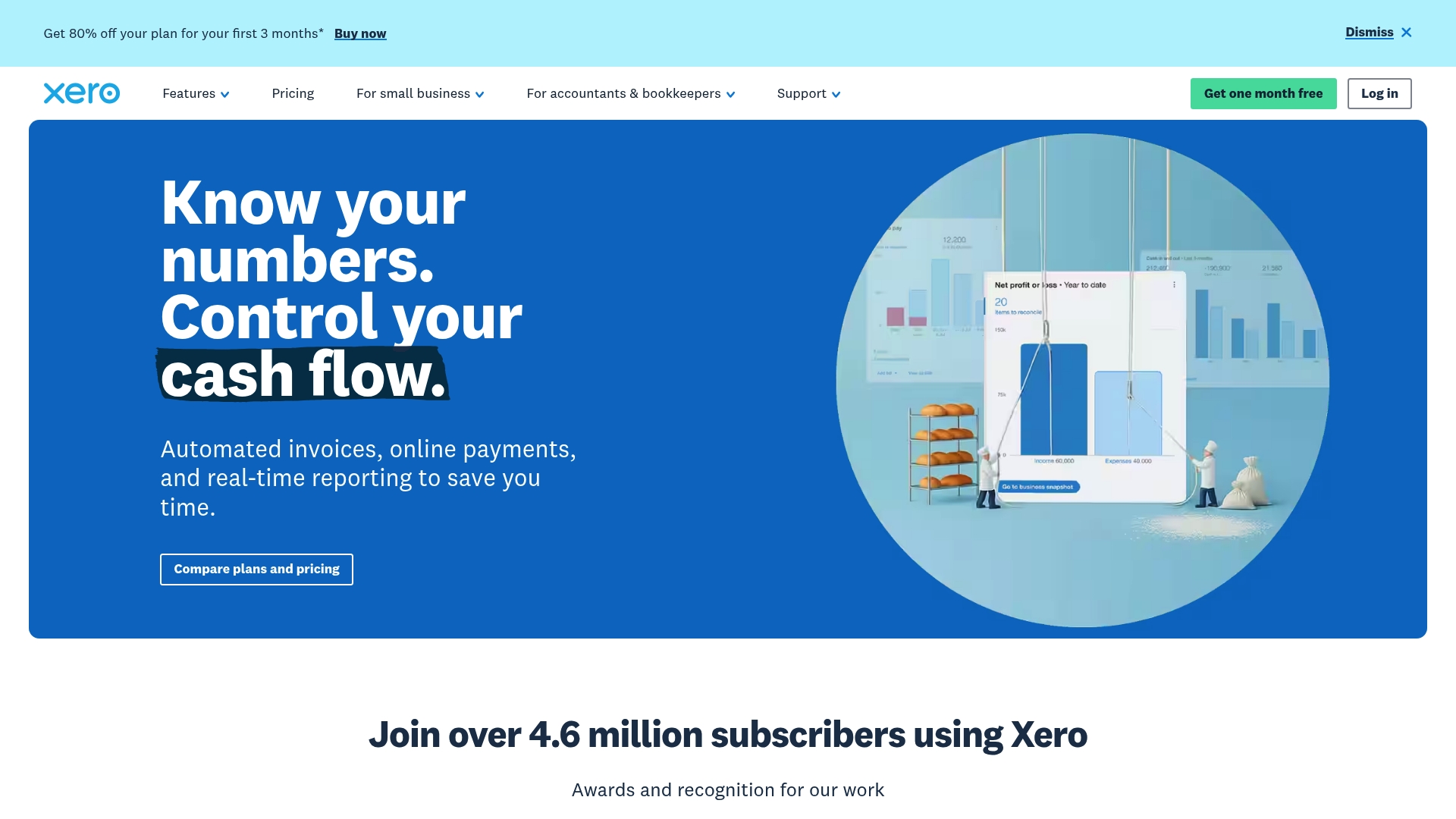
Xero is a cloud-based accounting platform aimed at small and medium-sized businesses and accountancy practices. It combines invoicing, bank connectivity and expense management to give a real-time view of cash flow and everyday finances.
Xero suits sole traders who want an accessible, online ledger and a partnerable tool for accountants to manage multiple clients efficiently.
Core Features
Xero offers a compact set of tools that cover routine bookkeeping tasks and practice management. Key capabilities include invoicing, bank connections, expenses claim, bill payment and payroll functions alongside a dedicated Xero Accounting app for on-the-go access.
- Explore our accounting software
- Xero Accounting app
- Pay bills
- Claim expenses
- Bank connections (connect your bank)
Pros
- Comprehensive feature set: Xero provides a wide range of bookkeeping functions suitable for sole traders and accountants in one platform.
- Accessible anywhere: Being cloud-based means you can check your accounts from home, a coffee shop or while meeting a client.
- Strong integrations: Xero connects with various third-party apps so you can extend functionality without rebuilding processes.
- Onboarding support: The service includes onboarding help and training to reduce the time it takes to get set up.
- ** recognised by peers:** Xero holds awards and recognition such as the G2 Leader award for 2025 which signals market trust and adoption.
Cons
- Opaque pricing tiers: Pricing details are not specified for every plan which makes direct comparison difficult for tight budgets.
- Advanced features behind upgrades: Some more advanced modules require additional purchases or higher-tier plans which increases overall cost.
- Learning curve for new users: Users unfamiliar with accounting software may need time and training to use all features confidently.
Who It’s For
Xero is aimed at sole traders, small to medium-sized business owners and accountants who manage multiple clients. If you want cloud access, straightforward invoicing and a tool your accountant can connect to, Xero is a practical match.
Unique Value Proposition
Xero stands out by combining everyday bookkeeping tools with practice-level features for accountants. The twin focus on small businesses and bookkeeping professionals makes it easier to hand records to an accountant and to maintain live financial visibility.
Real World Use Case
A sole trader uses Xero to issue invoices, connect their current account and track receipts in real time. The result is quicker bank reconciliations, clearer cash flow and simpler conversations with a local accountant when preparing tax filings.
Pricing
Xero offers a free trial for the first month. Plans start from $5 per month for the ‘Early’ plan during promotional offers, with monthly subscription options available for higher tiers.
Website: https://xero.com
QuickBooks
At a Glance
QuickBooks is a full featured accounting platform aimed at small to mid sized businesses and sole proprietors that need reliable bookkeeping, payroll and reporting. It combines invoicing and AI driven insights with broad app integration to support growth and tax preparation.
Core Features
QuickBooks provides invoicing, expense tracking, bill management and comprehensive financial reporting alongside payroll and employee benefits management. The platform also covers banking, inventory and mileage tracking plus tax deductions and access to expert tax help.
Pros
-
Extensive app integration: QuickBooks connects with many third party apps so you can keep bookkeeping tied to sales, banking and other business tools.
-
Tiered plans available: The range of plans suits sole traders through to mid sized firms, so you can scale features and user access as your business grows.
-
AI driven insights: Built in intelligence highlights trends and automation opportunities that speed up routine tasks and improve forecasting.
-
Mobile and web access: The platform is user friendly and accessible on mobile devices, allowing work on invoices and expenses while out on the road.
-
Strong support resources: QuickBooks offers community resources and support channels that help with setup and common bookkeeping questions.
Cons
-
Higher cost at upper levels: The platform can be costly for small businesses when advanced features require higher tier plans.
-
Learning curve for complex features: Advanced reporting and payroll configuration have a learning curve that takes time to master.
-
Add ons required for some features: Specific capabilities such as advanced payroll or inventory management often need an add on or a higher plan level.
-
Variable customer service experiences: Support quality can vary between enquiries and may not always resolve complex issues quickly.
-
Limited customisation on basic plans: The entry level plans offer fewer customisation options which can restrict tailored workflows.
Who It’s For
QuickBooks suits small to mid sized businesses, Startups and sole proprietors seeking an all in one accounting solution with scalable tools and AI driven insights. It works well for retailers, service businesses and operators who need integrated payroll and tax support.
Unique Value Proposition
QuickBooks combines everyday bookkeeping functions with advanced reporting and AI driven analysis in a single platform. That combination makes it useful for traders who want both routine task automation and actionable financial insight without separate systems.
Real World Use Case
A retail store uses QuickBooks to record daily sales, reconcile bank transactions, track expenses and run payroll. The store then generates monthly financial reports to monitor margins, prepare VAT returns and compile information for the annual tax return.
Pricing
QuickBooks offers various plans starting from $19 per month for the Simple Start plan, with discounts often available for initial subscription periods. Larger plans with payroll and expanded users carry higher monthly fees.
Website: https://quickbooks.intuit.com
FreeAgent
At a Glance
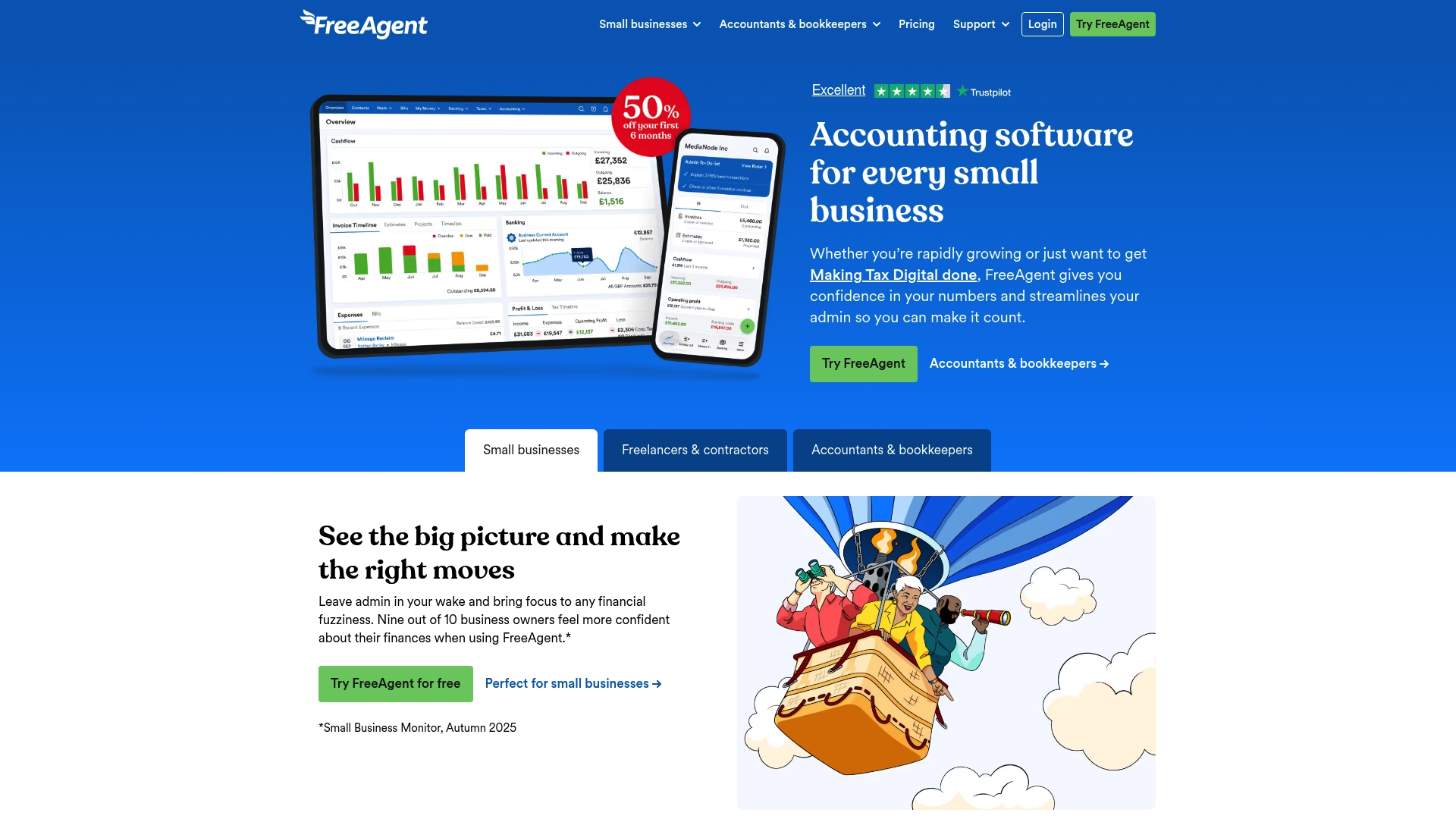
FreeAgent is an accounting platform built for UK small businesses, freelancers, landlords and contractors with strong Making Tax Digital support and HMRC connectivity. Its award winning UK support and clear interface make everyday bookkeeping less stressful for sole traders.
Core Features
FreeAgent offers Invoicing, Payroll and Making Tax Digital compliance alongside banking integration and automated transaction categorisation. The platform includes an AI-powered Smart Capture tool for receipts, cash flow forecasting, project management and a wide set of third party integrations.
Pros
- Comprehensive feature set tailored to small business needs. FreeAgent covers invoicing, VAT, Self Assessment and payroll so you can keep most accounts work in one place.
- User friendly and intuitive interface. The layout helps you send invoices and record expenses quickly without a long learning curve.
- Strong support network with UK based accountants. Award winning customer service is available by phone and email which helps when HMRC questions arise.
- Recognition for software excellence. Industry awards reflect consistent investment in product quality and user experience.
- Flexible pricing with a free option for some users. Eligible customers linked to qualifying bank accounts can access a free plan which reduces early costs.
Cons
- Pricing can be complex because add ons such as Amazon integration and unlimited receipt processing add further monthly charges.
- The breadth of features can overwhelm users who only need very basic bookkeeping and prefer a simpler ledger app.
- Support and full product functionality are concentrated on the UK and selected regions which limits usefulness for traders working primarily overseas.
Who It’s For
FreeAgent suits sole traders who want a UK focused accounting package with built in HMRC submission tools and payroll capabilities. It works well for freelancers, contractors and landlords who invoice regularly, handle VAT and want accessible support from a UK team.
Unique Value Proposition
FreeAgent stands out for its combination of HMRC ready features and hands on UK based support. The platform removes repetitive admin through bank feeds and Smart Capture, while keeping tax filing and payroll within the same system for peace of mind.
Real World Use Case
A small business owner uses FreeAgent to issue invoices, photograph receipts with the mobile app and reconcile daily bank feeds. They forecast cash flow for the next quarter and submit VAT returns directly to HMRC, reducing manual errors and time spent on paperwork.
Pricing
A free plan is available for eligible users with certain bank accounts and paid plans start at £16.50 per month as an introductory offer. Annual billing discounts apply and extra features such as advanced receipt processing or integrations may incur additional fees.
Website: https://freeagent.com
KashFlow
At a Glance
IRIS KashFlow is an online accounting package built for small businesses and sole traders who need a clear, compliant way to manage finances. It balances ease of use with enough automation for routine tasks without overwhelming non-accountants.
Core Features
KashFlow offers online accounting with modules for invoicing automation, expense management and payroll management for small teams. It supports VAT management and submissions and complies with Making Tax Digital, while bank feeds and bank reconciliation simplify transaction matching. Integrations include KashFlow Payments, GoCardless and Square.
Pros
-
User-friendly interface: The layout and workflows are designed for users who are not finance specialists, so setup and day to day tasks are straightforward.
-
Flexible plans: Monthly and annual subscription options let you choose shorter commitments or save with an annual plan.
-
Broad feature set: The product covers bookkeeping, invoicing and payroll in one place, reducing the need for multiple services.
-
Mobile app available: A mobile app lets you check invoices and expenses when you are away from a laptop.
-
Automation for VAT and payments: Automated VAT routines and payment integrations reduce manual entries and repetition.
Cons
-
Higher cost for very small startups: Pricing may feel on the premium side for sole traders just starting who have minimal transactions.
-
Limited report customisation: Reporting options are effective for standard needs but they offer limited flexibility for bespoke management reports.
-
Additional fees for some features: Certain capabilities and integrations require extra payments or add-ons which increase the overall cost.
Who It’s For
KashFlow suits small business owners, sole traders and freelancers who want a cloud accounting system that stays simple but grows with them. Accountants handling multiple digital clients will also find its client management features useful.
Unique Value Proposition
KashFlow combines HMRC compatible compliance with a gentle learning curve and practical automation. For businesses that want to reduce repetitive bookkeeping tasks while keeping control of VAT and payroll, it presents a single, centralised workspace.
Real World Use Case
A freelance graphic designer can send branded invoices, log expenses from a mobile phone, reconcile bank transactions and submit VAT returns online. That workflow saves time and helps meet UK tax obligations with fewer errors.
Pricing
Plans start from £12.50 per month for the Starter monthly plan and £25.50 per month for the Business monthly plan. Discounts are available for annual subscriptions and introductory offers may be provided from time to time.
Website: https://kashflow.com
Pandle
At a Glance
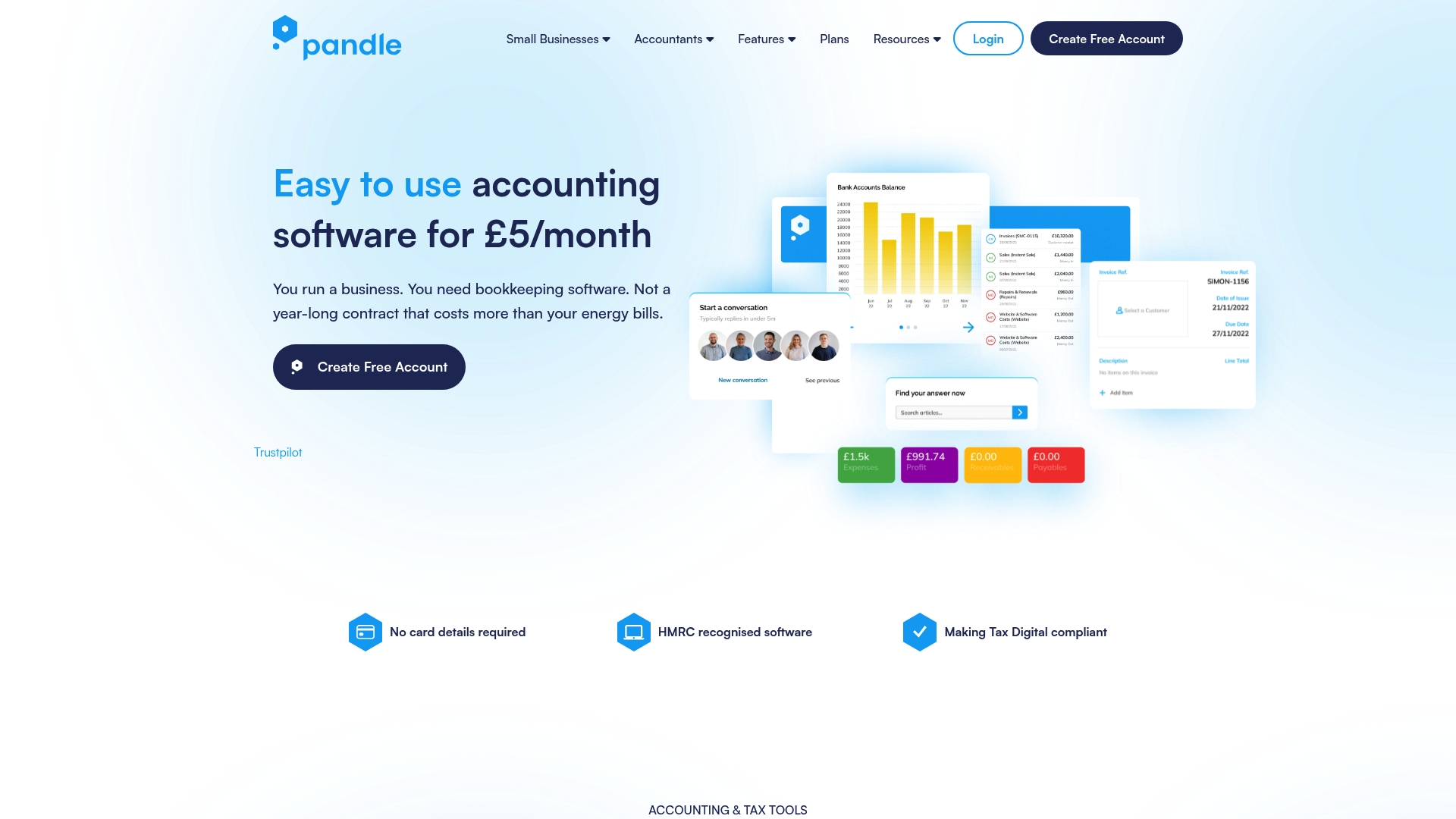
Pandle is a straightforward accounting app aimed at small businesses, freelancers and sole traders who want a no fuss way to manage finances. It is HMRC recognised and Making Tax Digital (MTD) compliant, making VAT submissions simpler.
Core Features
Pandle focuses on core bookkeeping tasks with banking, invoicing and basic reporting at its centre. The software offers VAT software for digital submissions, multi user access and collaboration tools for accountants and clients. The Pro plan adds bank feeds and cash flow forecasting.
Pros
- Affordable pricing: The Pro plan at £5 per month plus VAT keeps ongoing costs low for sole traders on tight margins.
- User friendly setup: The interface and initial configuration are simple so you can be recording invoices and expenses quickly.
- No contract pressure: The free plan has no contracts or transaction limits which is useful for seasonal or part time traders.
- MTD compliant: Recognition by HMRC and MTD compatibility removes a major compliance headache for VAT registered traders.
- Automated bank feeds: Bank feeds and bank rules reduce manual transaction entry and speed up reconciliation.
Cons
- Limited advanced features: Pandle lacks the depth of reporting and payroll functionality found in larger accounting suites which may constrain growing businesses.
- Feature gating on paid plan: Some useful tools such as bank feeds and cash flow forecasting are only available on Pandle Pro which adds a small monthly cost.
- Cloud dependency: The service relies on an internet connection and cloud availability so offline access is not supported.
Who It’s For
Pandle suits sole traders, freelance professionals and very small firms that need straightforward bookkeeping without complex modules. It also fits accountants who require a lightweight client tool for bookkeeping and VAT submissions rather than a full practice suite.
Unique Value Proposition
Pandle stands out for combining simplicity with compliance. It trades advanced bells and whistles for an uncluttered workflow that helps you process invoices, reconcile bank transactions and submit VAT returns with minimal fuss. The low price point keeps bookkeeping costs manageable.
Real World Use Case
A freelance graphic designer uses Pandle to create and send invoices, upload receipts via mobile, and apply bank rules to imported transactions. When quarter end comes they export VAT data and submit an MTD return electronically, saving several hours of manual reconciliation.
Pricing
A free plan offers essential bookkeeping features at no cost. Pandle Pro costs £5 per month plus VAT and adds bank feeds, cash flow forecasting and further automation features that reduce day to day bookkeeping time.
Website: https://pandle.com
Wave
At a Glance
Wave is a web-based small business platform that combines Accounting, Invoicing, Payments, and Payroll in one accessible place. It suits sole traders and freelancers who want simple bookkeeping without a steep learning curve.
Takeaway: Try the free Starter plan to test core functions.
Core Features
Wave provides straightforward tools to track income and expenses, scan and store receipts, and send professional invoices. The platform supports accepting credit card and bank payments and offers a mobile app for on-the-go management.
Wave also supplies payroll for employees or contractors and access to advisory services through Wave Advisors for hands-on help.
Takeaway: Use the receipts scanning and bank connectivity to cut manual entry.
Pros
-
User friendly for owners: The interface is designed for small business owners rather than accountants, which speeds setup and everyday use.
-
All in one platform: Accounting, invoicing, payments, receipts and payroll are available under one roof, reducing the need for multiple subscriptions.
-
Free Starter plan: There is a free plan suitable for startups and very small businesses, which helps keep costs down while you grow.
-
Payment acceptance and automation: Online payments and automation features reduce follow up and improve cash flow timing for invoices.
-
Web and mobile access: The web app and mobile app let you manage invoices, expenses and receipts from a laptop or phone.
Takeaway: The free tier lets you validate whether Wave fits your workflow before committing.
Cons
-
Limited international support restricts some features mainly to the United States and Canada, which may affect users in the United Kingdom.
-
Some advanced accounting functionality is missing or less comprehensive than enterprise grade software, so complex accounting tasks may feel constrained.
-
Payment processing incurs fees, and several useful services such as Wave Advisors and certain payroll features are paid add ons which raise total cost.
Takeaway: Check feature availability and fees for UK payroll and payment handling before migrating your books.
Who It’s For
Wave suits sole traders, freelancers and small business owners who want an easy to use bookkeeping tool without an accountant’s training. It also fits startups that need integrated invoicing and payment collection on a tight budget.
Takeaway: Ideal for simple bookkeeping needs and low complexity payroll.
Unique Value Proposition
Wave stands out by offering core financial tools at a low entry cost with a genuinely free Starter plan and optional advisory services. Its combination of receipt scanning, bank transaction tracking and invoicing in a single interface simplifies daily bookkeeping tasks.
Takeaway: Use Wave if you prioritise cost and simplicity over advanced accounting features.
Real World Use Case
A freelance graphic designer uses Wave to create invoices, capture receipts via the mobile app, match bank transactions and pay contractors with payroll tools. This centralises bookkeeping and reduces time spent on administrative tasks each month.
Takeaway: Good for freelancers wanting a single place for invoices and expenses.
Pricing
Wave offers a free Starter Plan. The Pro Plan costs $19 per month with monthly billing or $9.50 per month for the first three months under a discounted monthly billing option. Wave Advisors begins at $199 per month.
Takeaway: Start free, then add Pro or Advisors only if you need their features.
Website: https://waveapps.com
Zoho Suite
At a Glance
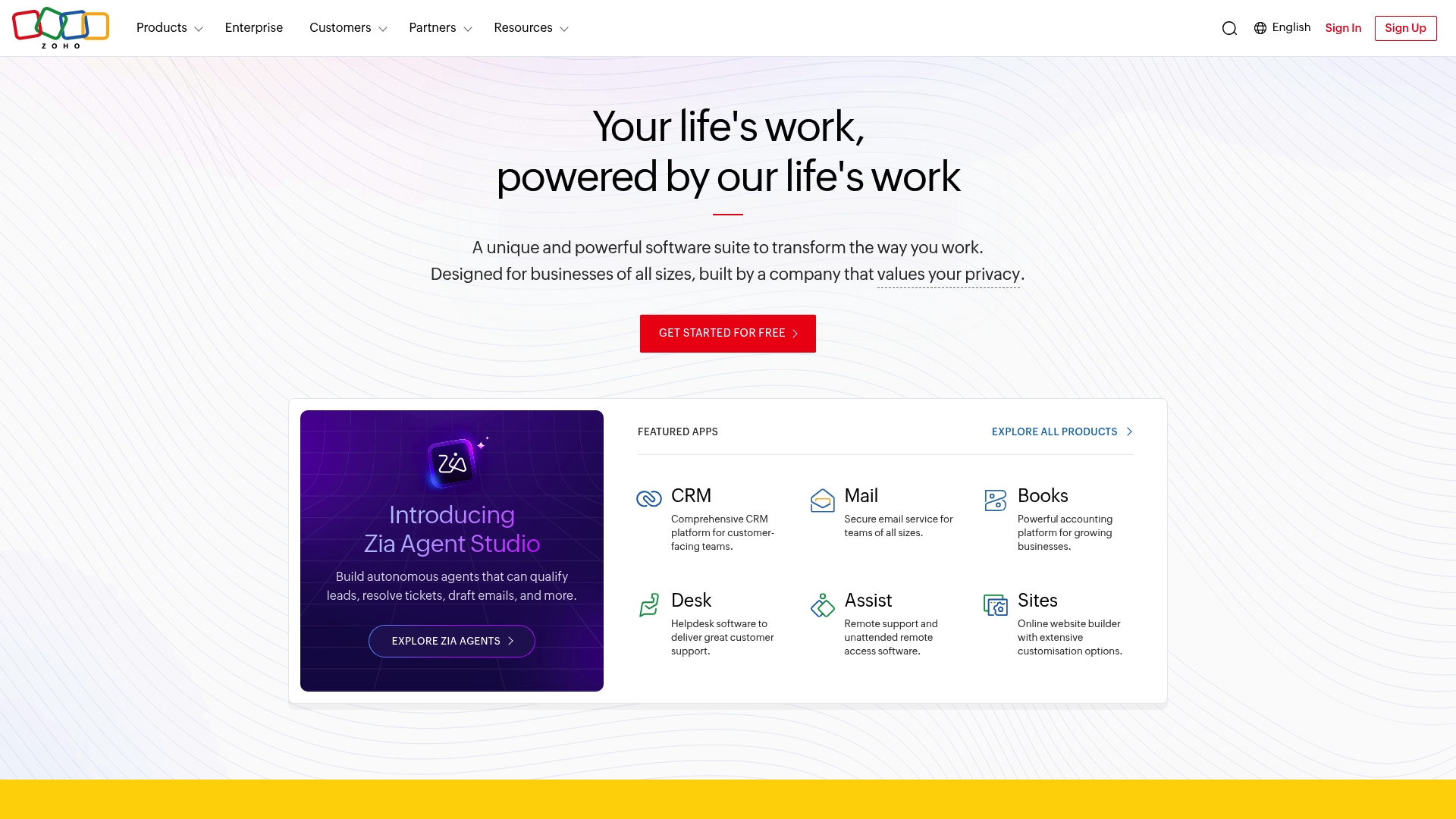
Zoho Suite is a broad collection of cloud applications that bring CRM, finance, HR and support tools into one platform. Its strength is the Zoho One unified platform and the deep level of customisation available to businesses.
This makes Zoho a credible option for sole traders who want to centralise bookkeeping alongside customer and project data. Quick wins come from linking Zoho Books with CRM activity to reduce manual data entry.
Core Features
The suite provides a wide array of apps covering CRM, email, finance, HR, support, collaboration and developer tooling, backed by global data centres and a focus on privacy and security.
- Unified platform with over 50 applications available within Zoho One.
- Customisation and integration through marketplace extensions and APIs.
- Ongoing research and development with regular product updates.
Takeaway: Use the single platform to reduce app switching and keep financial records connected to customer activity.
Pros
-
Extensive application range: Zoho covers almost all business functions so you can keep bookkeeping alongside CRM and support in one place.
-
Affordable tiers: Pricing includes free options and graded plans, which helps a sole trader trial functionality before committing.
-
Strong privacy and security focus: The platform uses regional data centres which helps meet local compliance needs.
-
Regular product updates: Frequent improvements and new launches keep features current without needing separate vendors.
Takeaway: Start with a basic plan and add only the apps you use to keep costs manageable.
Cons
-
High complexity for newcomers: The large number of apps and settings can overwhelm users who want a simple bookkeeping tool.
-
Technical integration requirements: Some integrations and advanced automations need technical skills or developer help to implement effectively.
-
Cost can grow with scale: Adding multiple paid apps increases fees and can outstrip the cost of a single dedicated accounting product.
Takeaway: Budget for initial setup time and possible professional help if you want deeper automation.
Who It’s For
Zoho suits sole traders and small businesses that want an all in one cloud platform and are willing to spend time on initial setup and customisation. It fits those who plan to combine bookkeeping with CRM and client support records.
Takeaway: Choose Zoho when you value integrated workflows over a simple standalone accounts package.
Unique Value Proposition
Zoho’s unique strength is the breadth of integrated applications under one account, allowing bookkeeping to sit alongside customer records and team tools. That integration reduces duplicate entry and links financials to client activity.
Takeaway: Use cross app workflows to turn invoices and payments into meaningful customer history.
Real World Use Case
A mid sized company uses Zoho CRM for sales, Zoho Books for accounts and Zoho Desk for support, all within Zoho One to share customer data and reporting. The result is fewer reconciliation errors and clearer interdepartmental records.
Takeaway: Map your key processes before enabling multiple apps to avoid overlapping features.
Pricing
Pricing varies by app and plan. Some basic applications are free while paid tiers add advanced features and higher usage limits. Costs rise as you add apps beyond core bookkeeping needs.
Takeaway: Review each app plan and add only what you need to control monthly costs.
Website: https://zoho.com
Accounting Software Suites Comparison
The following table provides a comparison of various accounting solutions. Each product is tailored to specific business needs and budgets, helping users select the right tool for managing business finances effectively.
| Product | Core Features and Usability | Pros | Cons | Pricing |
|---|---|---|---|---|
| Concorde Company Solutions | Comprehensive accountancy services, Xero integration, scalability. | Transparent pricing, tailored support, scalable offerings. | Specific pricing not publicly available without consultation. | Contact for tailored quote. |
| Xero | Cloud-based for real-time access, invoicing, and bank connectivity. | Comprehensive tools, third-party integrations, onboarding support. | Learning curve for new users, tiered pricing complexity. | Starts at $5/month (promotional offer). |
| QuickBooks | Invoicing, payroll, and AI-driven insights for forecasting. | User accessibility, mobile integration, and extensive app connectivity. | Higher-tier plans required for advanced features. | Begins at $19/month (Simple Start Plan). |
| FreeAgent | HMRC compliance focus, UK support, cash flow forecasting. | Intuitive interface, free plan for certain users, strong UK-based support. | Complex needs may require additional costs for integrations. | Begins at £16.50/month (introductory offer). |
| KashFlow | Cloud-based system with VAT management, invoicing, and payroll automation. | Mobile app for remote management, automated VAT routines. | Add-ons required for certain features, limited report customization. | Starts at £12.50/month (Starter Plan). |
| Pandle | Core bookkeeping tasks, HMRC compliant for tax submissions and invoicing. | Affordable, simple setup, free plan available. | Advanced features only accessible through paid plan. | Free plan; Pro plan at £5/month + VAT. |
| Wave | Free accounting tools for simple bookkeeping and invoicing purposes. | Free starter plan, integration of payments and receipts scanning. | Limited international support, additional costs for advisory services. | Free, optional paid plans (starting at $19). |
| Zoho Suite | Integrated applications for bookkeeping, CRM, HR, and project management. | Broad feature set, customizable workflows, scalable options. | Setup complexity, additional costs as more apps are added. | Variable; optional apps have separate plans. |
Simplify Your Bookkeeping with Local Expertise
Managing the many bookkeeping tools available can be overwhelming for sole traders aiming to stay compliant and efficient. This article highlights key challenges like software selection, HMRC readiness, and time-consuming record keeping. At Concorde Company Solutions, we understand these pain points and provide personalised support to help you navigate accounting software such as Xero and FreeAgent, ensuring your records are always HMRC ready.
Why struggle with setups and reconciliations alone when you can benefit from transparent fees and expert guidance tailored to your business growth? Discover how our accountancy services can reduce your admin burden and improve financial accuracy.

Take control of your finances today with trusted local support. Visit Concorde Company Solutions and get a tailored quote that fits your needs. Your peace of mind starts here.
Frequently Asked Questions
What are the top bookkeeping tools for sole traders in 2026?
The top bookkeeping tools for sole traders in 2026 include a range of applications that support invoicing, tax compliance, and financial reporting. Research each tool’s features to identify which aligns best with your specific bookkeeping needs.
How do I choose the right bookkeeping tool for my business as a sole trader?
To choose the right bookkeeping tool, assess your business needs, budget, and the features that are most important for your operations, such as payroll or tax submissions. Consider creating a checklist of must-have features to guide your evaluation.
Can I integrate a bookkeeping tool with my existing financial systems?
Most accounting software tools allow for integration with existing financial systems, including banks and payment processors. Check the specific integration options offered by each tool to ensure seamless functionality.
What features should I look for in a bookkeeping tool as a sole trader?
Key features to look for include invoicing capabilities, tax compliance support, expense tracking, and reporting functionality. Prioritise user-friendliness and customer support availability to reduce the learning curve and get assistance when needed.
How can a bookkeeping tool improve my financial management as a sole trader?
A good bookkeeping tool can streamline financial management by automating tasks such as invoicing and expense tracking, significantly reducing the time spent on manual paperwork. Aim for a tool that can cut your administrative workload by at least 20%.
Are there any free bookkeeping tools available for sole traders?
Yes, many bookkeeping tools offer free versions or trials with limited features designed for sole traders. Test these free options to find one that meets your basic needs before considering a paid plan for additional functionality.
No responses yet